You download a font under one product name, install the file, and then cannot find that exact phrase in the application's font menu. The font may be present under an internal family name. The storefront title, filename, and menu label describe related parts of the product, but they do not have to be identical strings.
Check the file's actual names before installing another copy or choosing a visual substitute. This article inspects a real Brienny font resource from Lettersiro. The native references are metadata diagrams and font proofs, not screenshots of a specific operating system's font menu. Applied handoff concepts accompany those references. Their purpose is to make the connection between a product and its internal labels easier to follow.
Keep three kinds of names separate
The product title helps customers identify an offering. A filename identifies a particular file in a folder. Internal names are stored inside the font and can be used by applications. Searching only the first of those can miss a useful clue in the others.
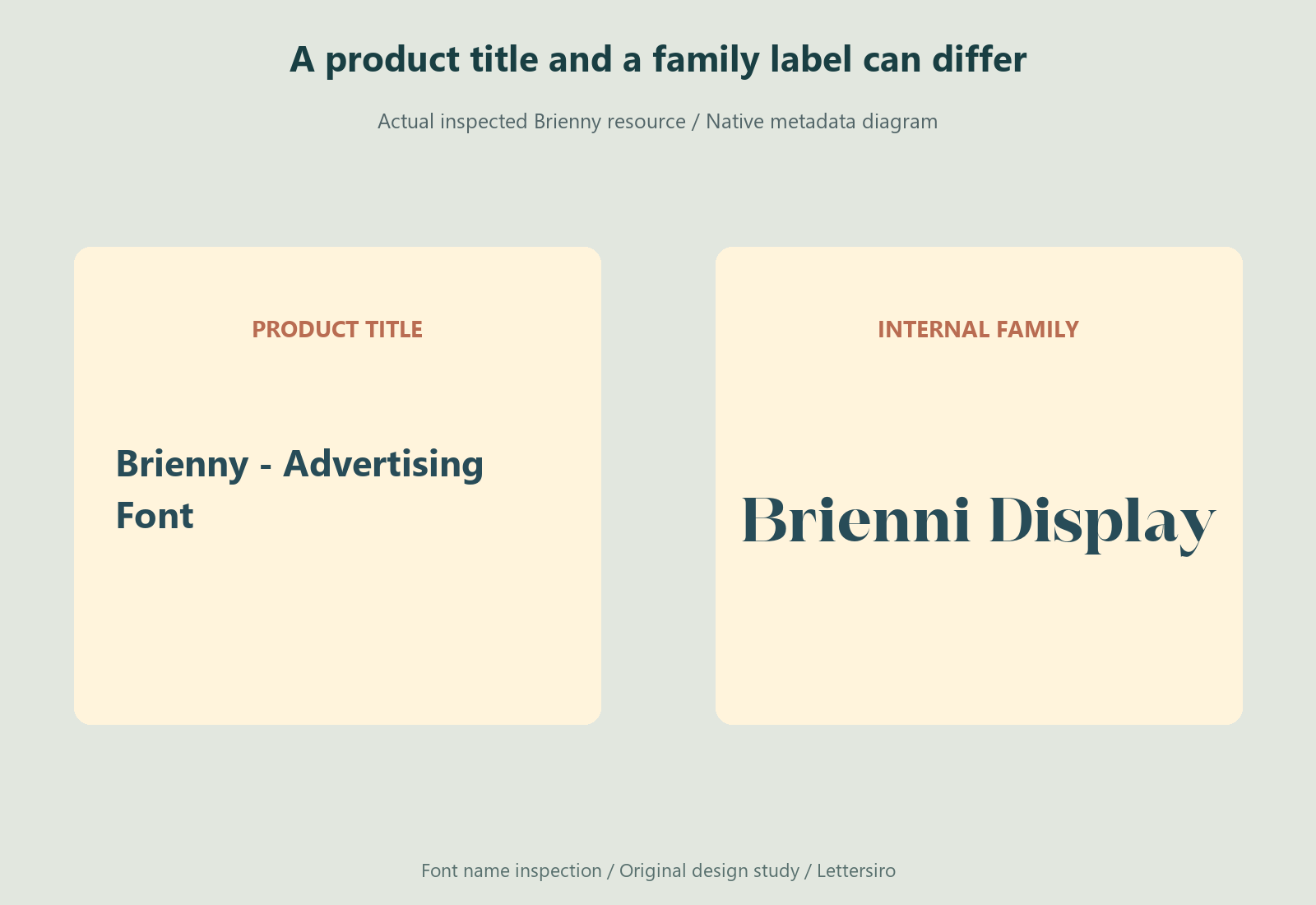
The inspected Lettersiro resource belongs to the product Brienny – Advertising Font. Its internal family name is Brienni Display. That is an observation about this particular file, not a proposal to rename the product or a claim about every file in its package. If you use a different revision or style, inspect that file directly.
Read the relevant internal fields
OpenType's naming table stores several kinds of name strings. Microsoft's naming-table specification distinguishes the family, subfamily, full name, and PostScript name. It also defines typographic-family fields used for broader groupings. Applications and platforms can make different use of the available records, so a single file does not guarantee one identical menu presentation everywhere.
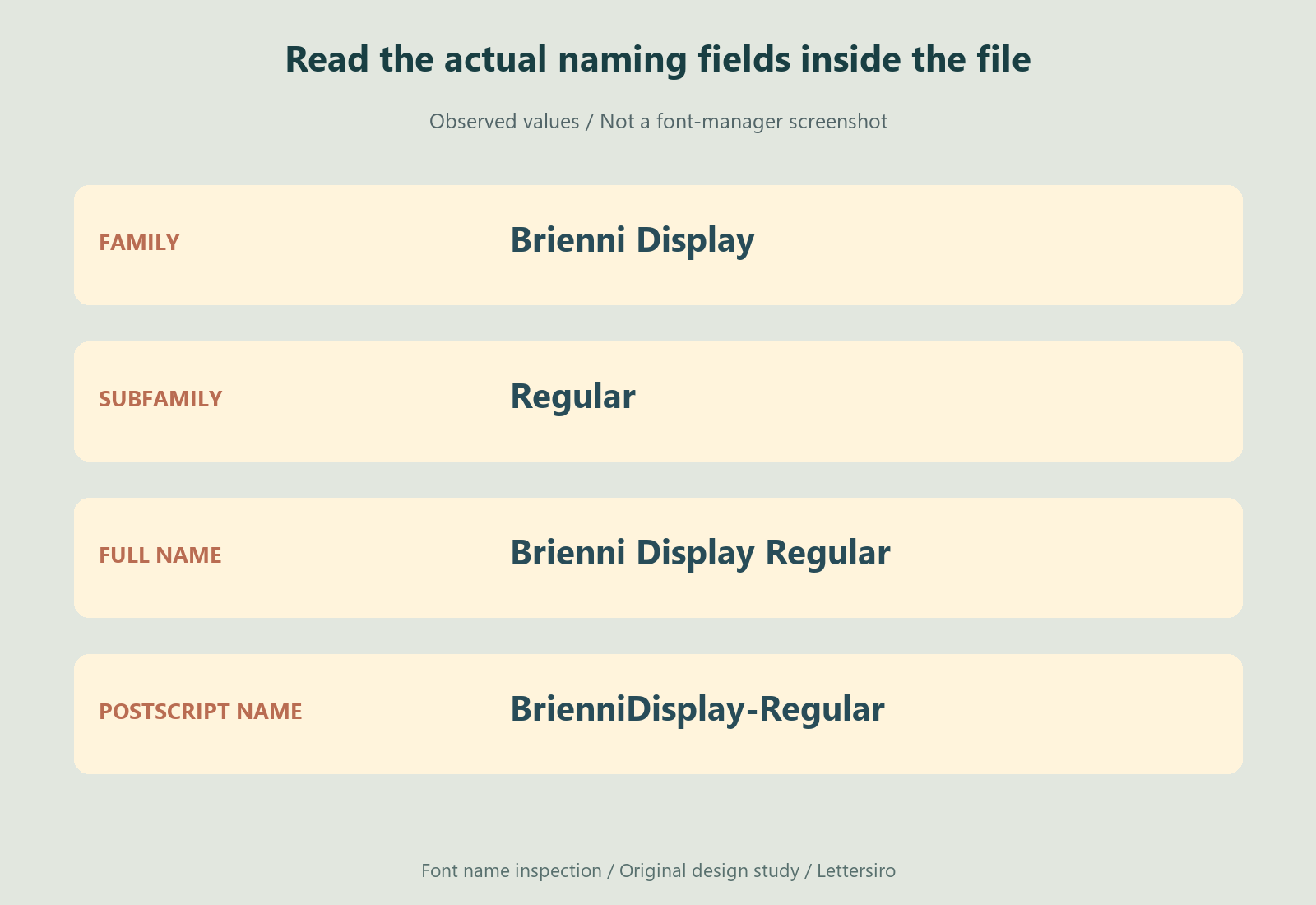
For this inspected Brienny resource, the useful values are:
| Field | Observed value |
|---|---|
| Family, name ID 1 | Brienni Display |
| Subfamily, name ID 2 | Regular |
| Full name, name ID 4 | Brienni Display Regular |
| PostScript name, name ID 6 | BrienniDisplay-Regular |
| Typographic family, name ID 16 | Not present in the inspected file |
| Typographic subfamily, name ID 17 | Not present in the inspected file |
Search for the family, then inspect the style
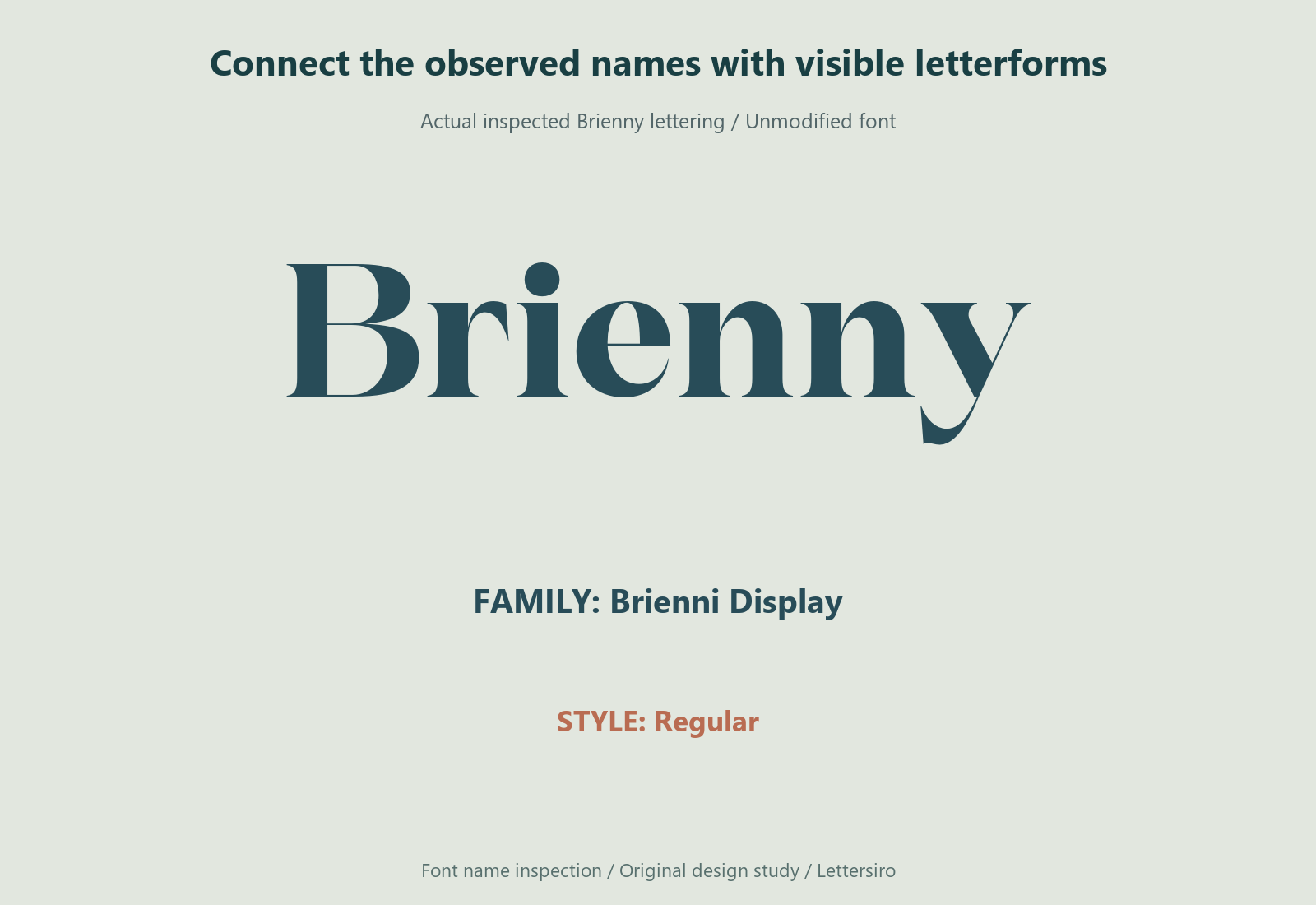
Use the internal family as a practical search clue in the target application. Once a likely entry appears, inspect the available style and compare actual lettering with the intended product. A similar name alone is not enough to establish that the correct file is active.
Set a short phrase containing distinctive shapes and compare it with a trusted specimen or a proof from the downloaded file. Keep the wording the same in both views. If the appearance differs, record the family and style actually selected rather than assuming the storefront product is defective.
Compare styles and files deliberately
A product can contain multiple files. Record which one you are trying to use and which style it represents. Do not assume a regular member, an outlined member, and a decorative alternate will all appear under one label in every application.
Keep the source package organized while investigating. If you have several copies from different dates, note their locations and versions before changing anything. Repeated installation without a clear record can make the next diagnosis more confusing. Follow the application's current font-management guidance when resolving an actual installation problem.
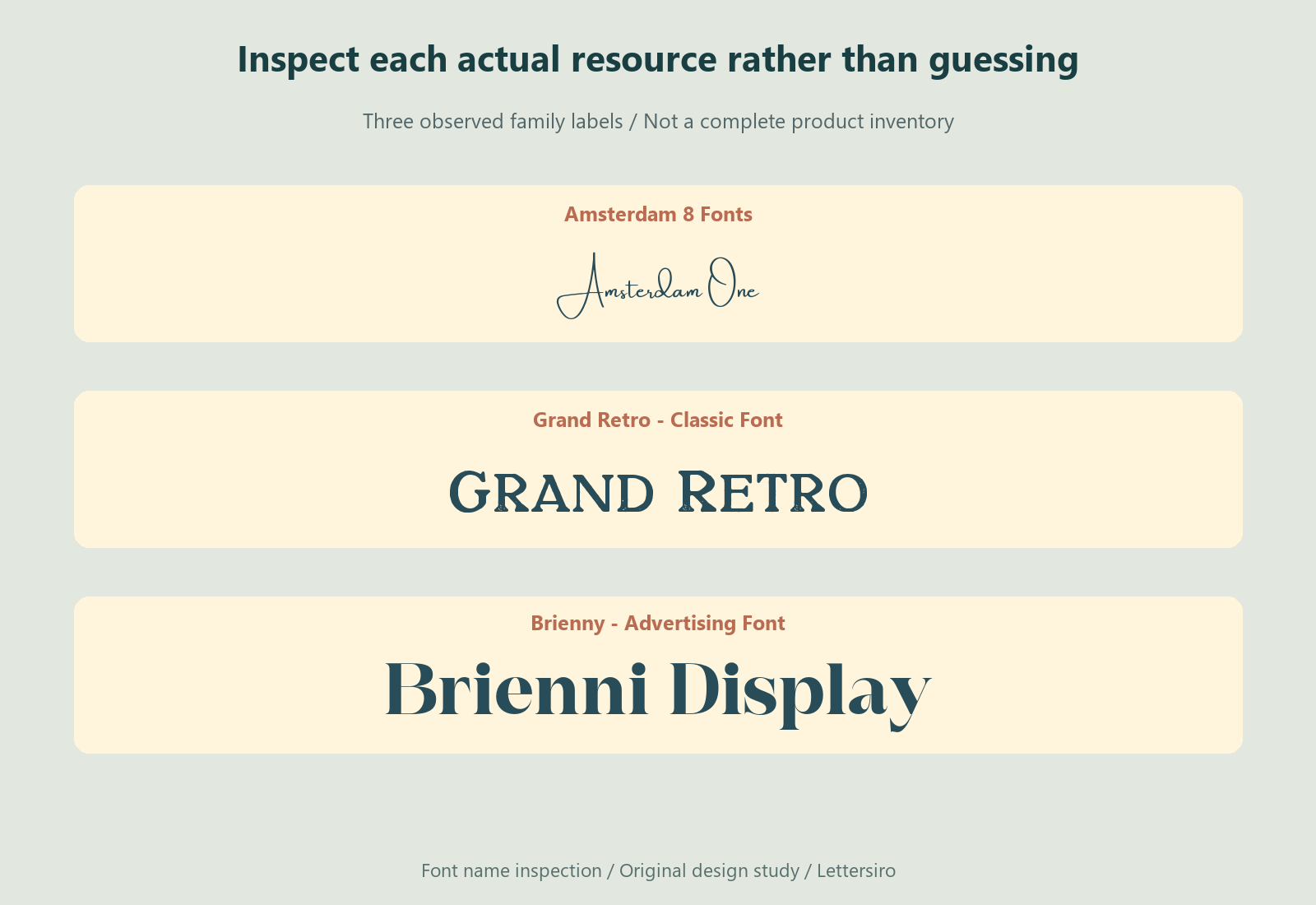
The original comparison below includes family labels from three inspected resources: Amsterdam One, Grand Retro, and Brienni Display. They are observations from the files used in this editorial project. They do not represent a complete inventory of every style supplied with those products.
Preserve the distinction in a client handoff
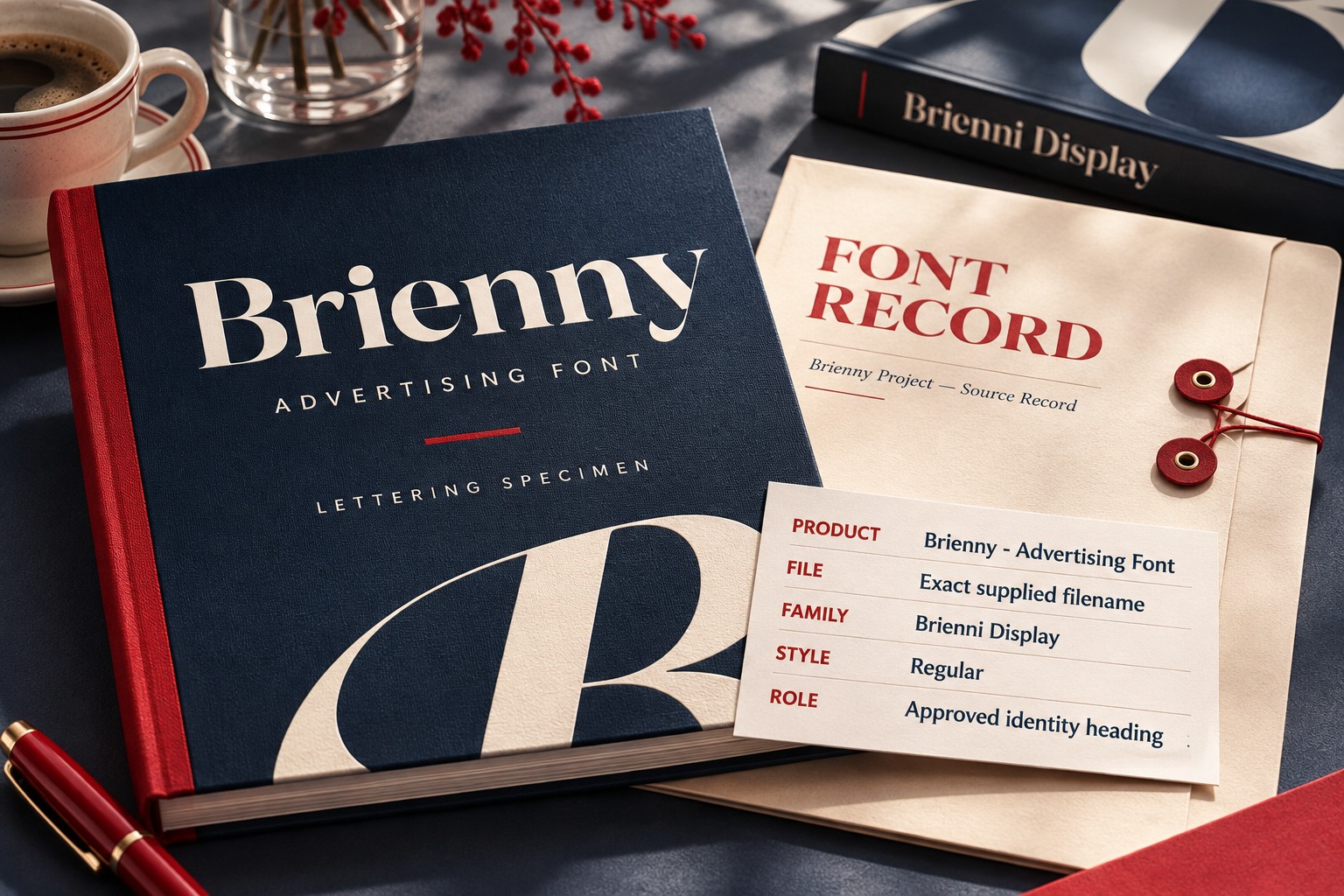
When a team needs to install and use a font, include the product name, source record, exact supplied filename, family label, and intended style in the handoff notes. Keep those notes connected to the approved design example. A client should not have to identify the font solely by visually scanning a long menu.
If the handoff includes an editable template, indicate the text roles that use the font. The brand name may use one display family while descriptions use another. An accurate family list is more useful when the next editor can see which content it belongs to.
Report a mismatch with enough evidence to reproduce it
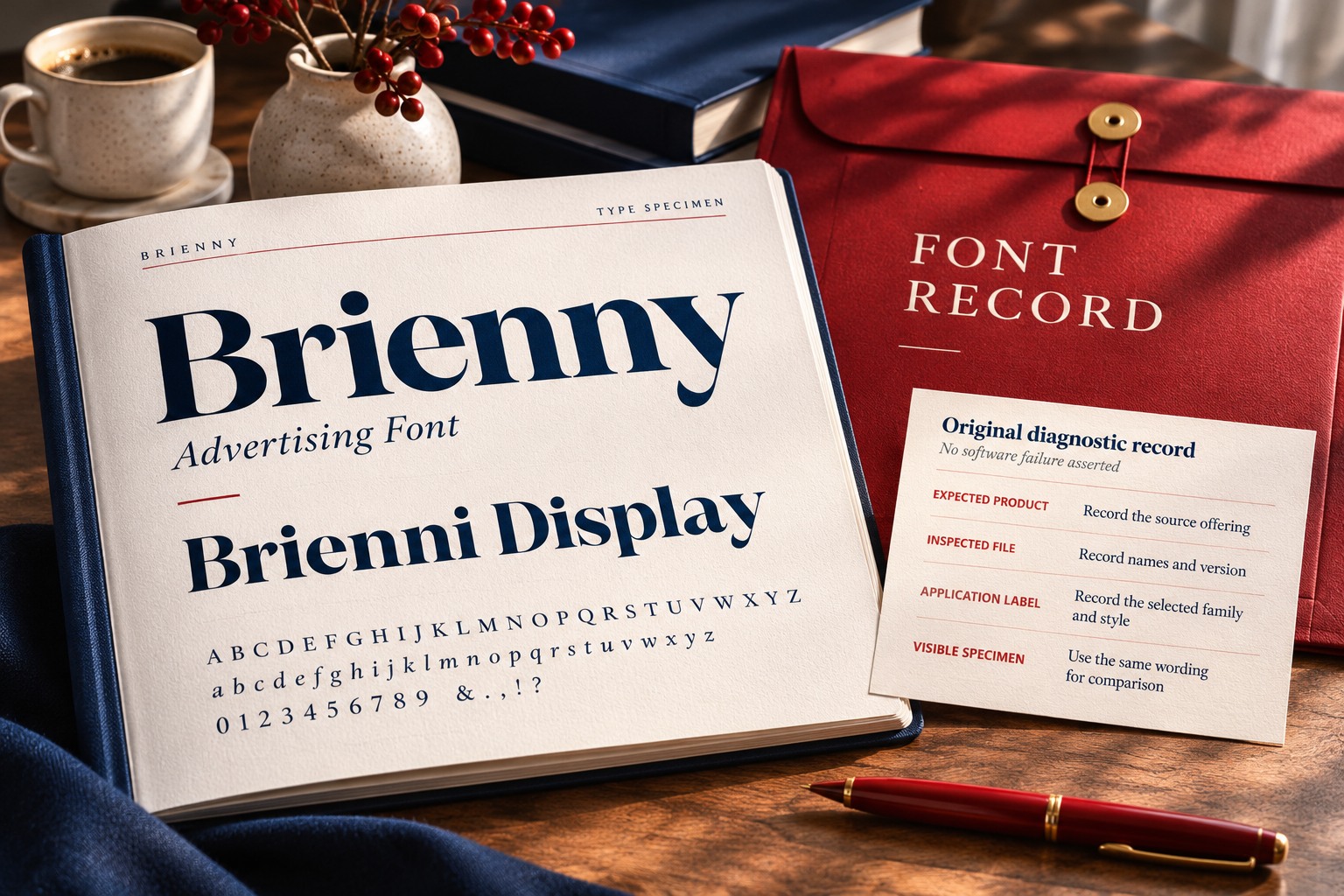
If you still cannot match the file to the intended application entry, record the application and version, the file source, the observed internal names, and a small specimen of the affected text. Explain what you expected to see and what appeared instead. Avoid a report that only says the font is missing without identifying the file or menu label involved.
Keep the original font unmodified during this inspection. Review the Brienny product page for the offering itself, and see Lettersiro's font-versus-typeface guide for related terminology. A useful name record connects the product you chose with the exact file and style the design actually uses.