A reusable sale banner needs to survive the next offer. The percentage changes, the product name gets longer, and a short delivery note becomes a full sentence. A template that works only with its original copy is a finished picture with a fragile editing layer.
Plan the banner around editable roles before decorating it. Keep the brand, offer, product message, conditions, and action distinct. This guide uses Sunday Supply, a fictional shop, and actual Banthink Retro lettering for the expressive heading. Its examples are original layout illustrations, not screenshots from Canva or a live retail promotion.
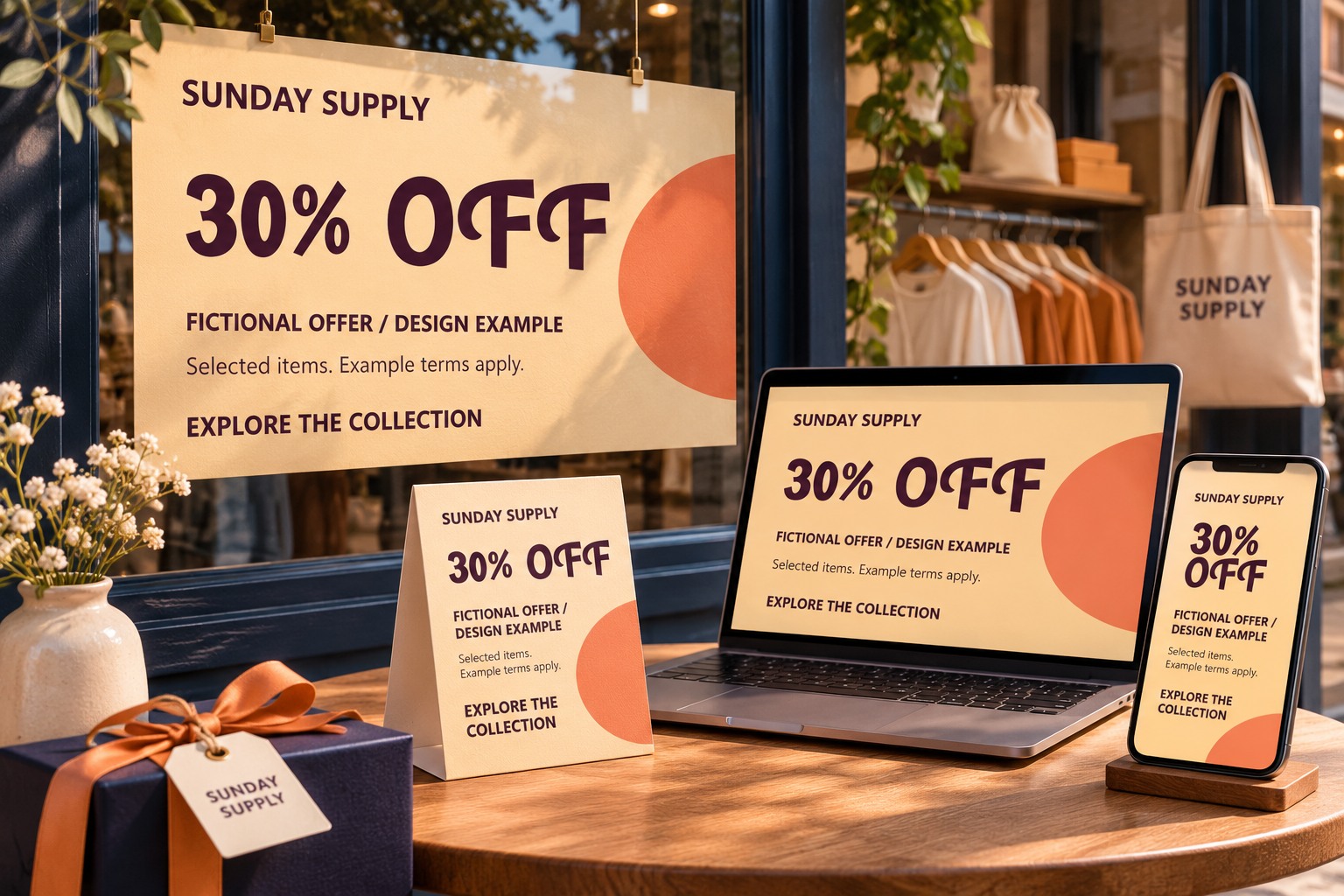
Write the offer in plain language first
Confirm what the promotion actually promises. Is the reduction on all products or selected items? Are there dates, a code, or a minimum purchase? Get that wording from the responsible business owner. Typography can emphasize an offer, but it should not make a limited promotion look broader than it is.
For a reusable layout, collect a short offer and a longer realistic alternative. Use both while building the template. Keep any conditions as readable content rather than decorative microtext. If the available space cannot carry the confirmed message clearly, simplify the composition or create a more suitable format.
Create a stable content structure
In Canva, begin with the size required by the placement and build a clean content area. Place the brand first, then the main offer, supporting message, conditions, and action. Use separate text elements so an editor can change one role without disrupting an unrelated line.
Choose a distinctive display face for the short emphasis and a quieter style for practical details. If you plan to upload a font, review Canva's current font-upload guidance and confirm the account's capabilities and your rights to use the file there. This article does not assume every Canva account has the same font or template features.
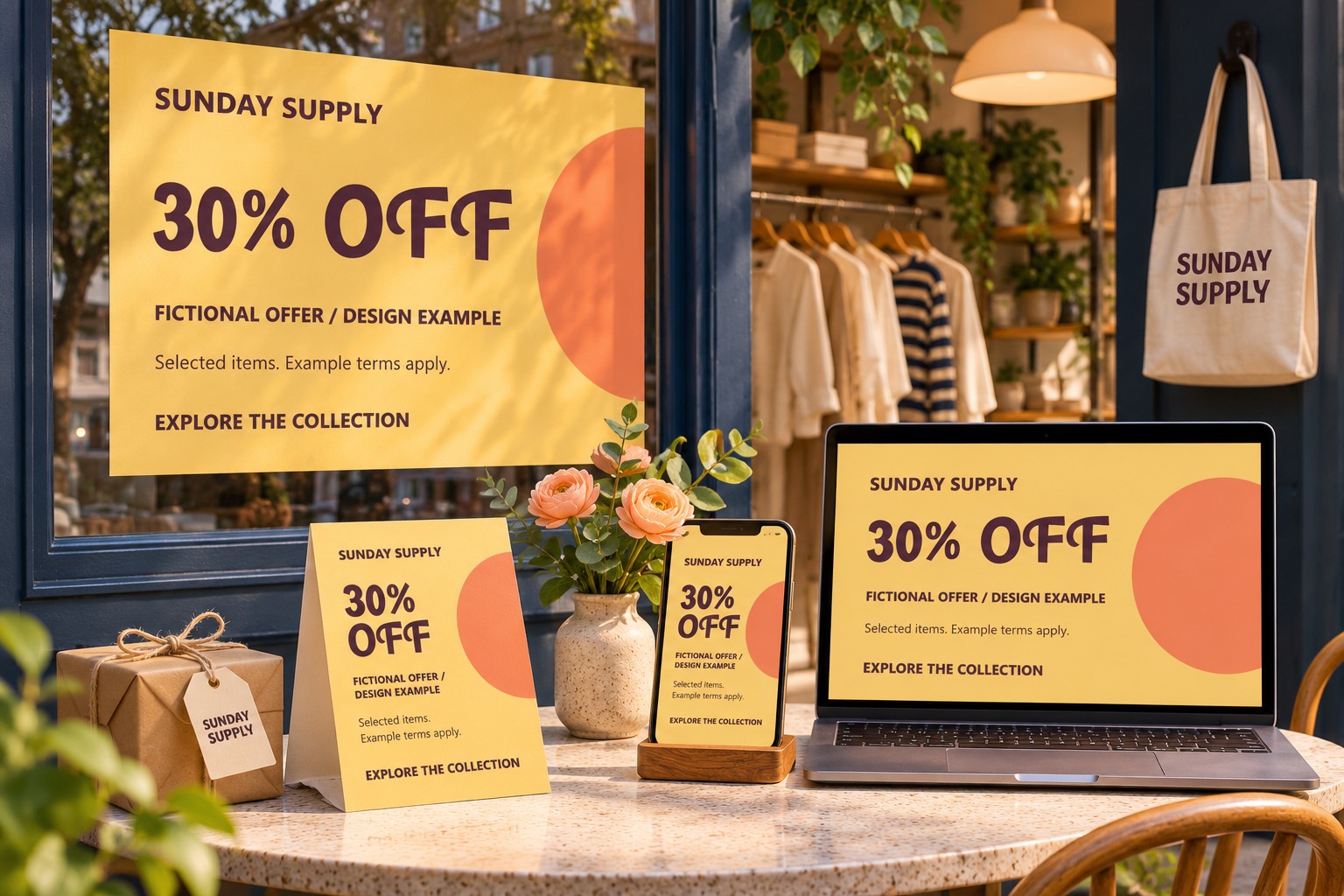
Design the longer offer before calling it reusable
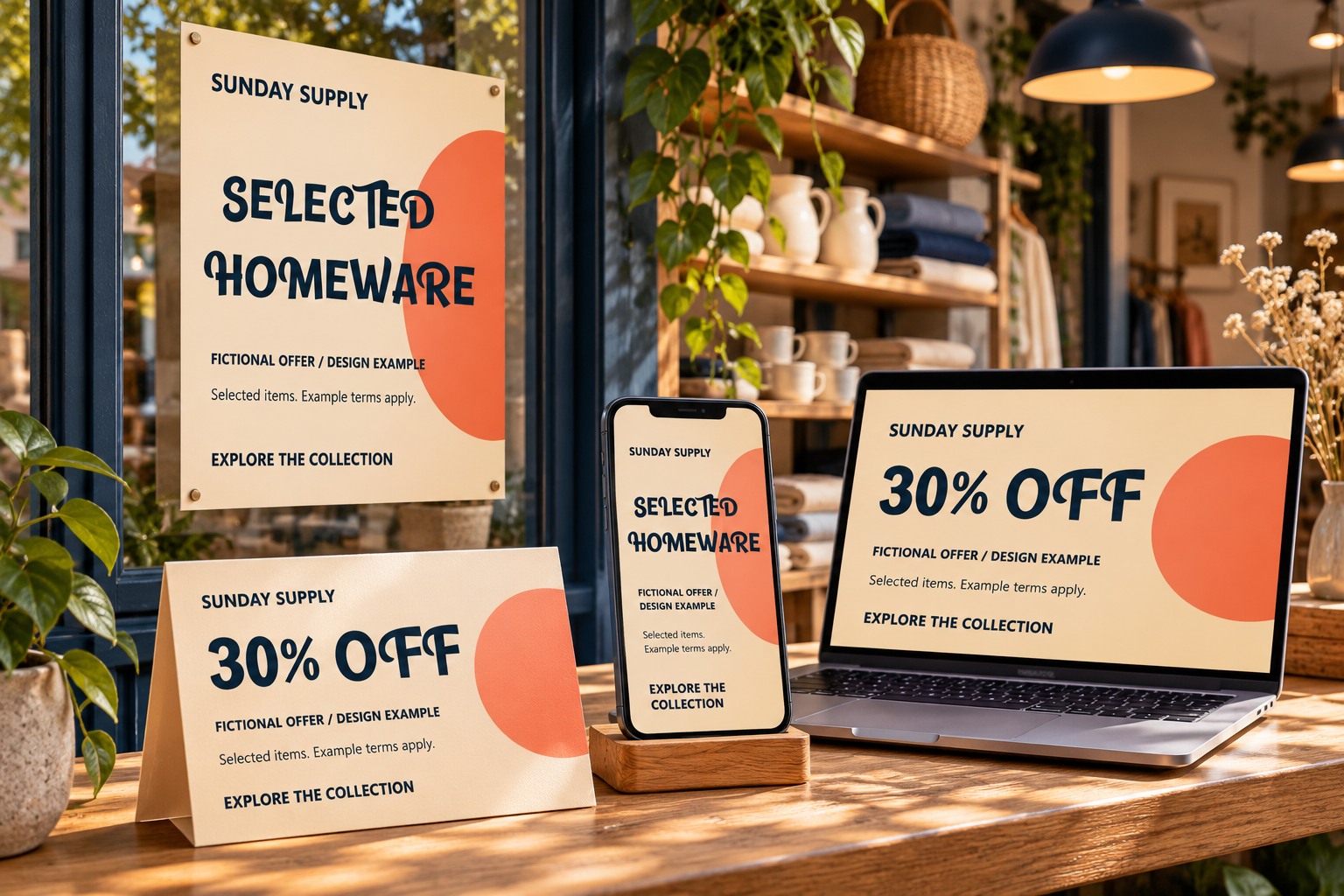
Replace the first headline with a more demanding phrase. Include a two-digit percentage, a word-based offer, and a longer product description if those occur in the shop's promotions. Check line breaks and the relationship between the main message and its conditions.
Do not stretch the lettering to fit the same width. Give the template a deliberate alternate arrangement. A wide banner can keep the offer on one side and product imagery on the other. A square version may stack the same roles. Each should communicate the same promise without compressing all content into the same geometry.

Separate fixed identity from editable promotion
Keep the approved brand treatment stable. Allow the offer, dates, product name, image, and action to change in clearly identified areas. When the Canva workflow supports the controls your team needs, use them to reduce accidental edits, but still explain what is expected to change.
Name the master clearly and create a working copy for each promotion. A useful naming pattern includes the campaign, placement, and revision. Avoid a folder containing several files all described as the final sale banner; that makes it harder to know which offer was approved.
Check the banner with the product image present
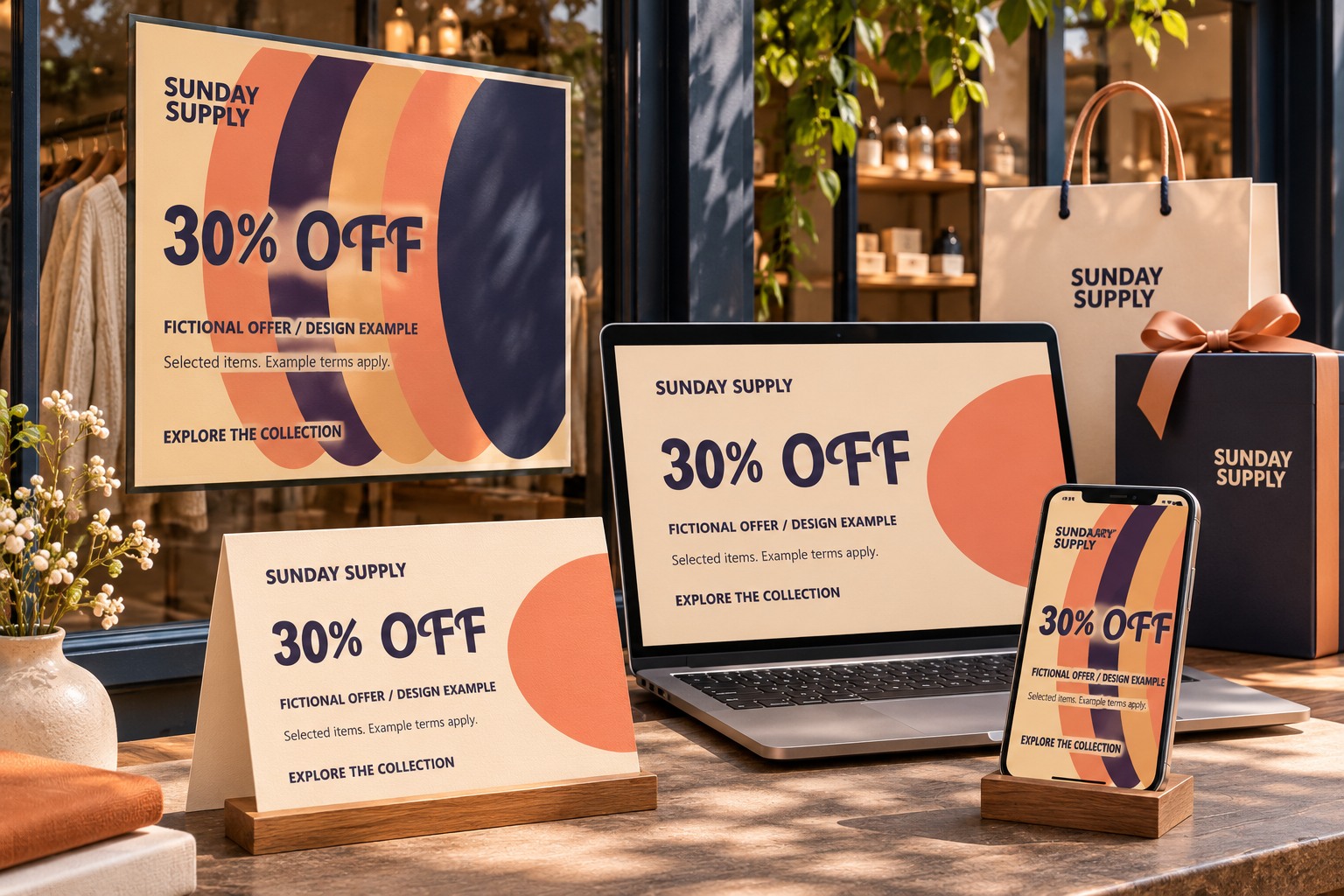
Use a representative product image in the working version. Its shape and brightness affect how much quiet space remains for text. A dark headline that reads well on an empty cream background may disappear when the image extends behind it. Reposition the image or add a deliberate content panel instead of accumulating effects around every word.
Inspect the complete banner at the size people will encounter. The conditions and action should remain distinguishable from the main offer. If you export a raster file, open that export and review it separately from the editable canvas. A clear editor view does not guarantee an equally clear delivery file.
Give the next editor a short operating note
Explain which fields change, which offer wording needs approval, and where the export belongs. Include the short and long examples with the master so a new editor can see how the system handles both. If your team uses Brand Templates, follow Canva's current publishing instructions for the available team workflow.
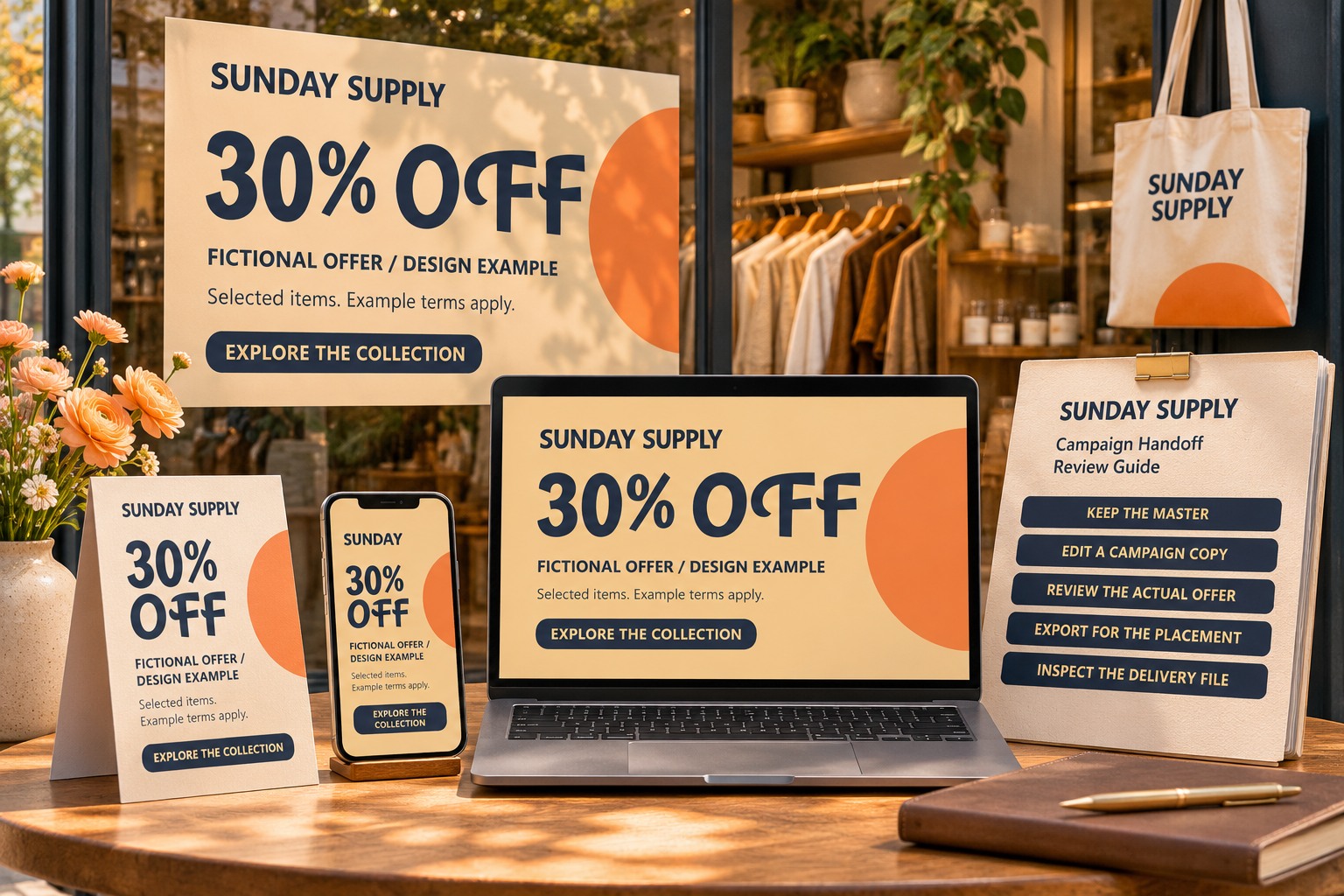
Explore Banthink Retro for a playful display role and review the Lettersiro license options for the intended team and promotion. Keep the final decision tied to the offer: a reusable banner should help the next editor communicate accurate information clearly, with enough flexibility to handle a different message tomorrow.