A label can be beautifully composed and still leave the production team nowhere useful to place a batch code or date. A pale patch added at the last moment may overlap a seam, sit on a curve, or be too small for the actual coding process. The problem belongs in the artwork plan before the final decoration is approved.
Reserve the area with the product and production team. Confirm the content, method, placement, and usable dimensions for the actual job. The original studies below use Crispy Bites, a fictional snack package, with actual Crispy Snack lettering for the brand voice. The code strings are invented examples. These illustrations are not compliant food labels, supplier specifications, or evidence of a completed production trial.
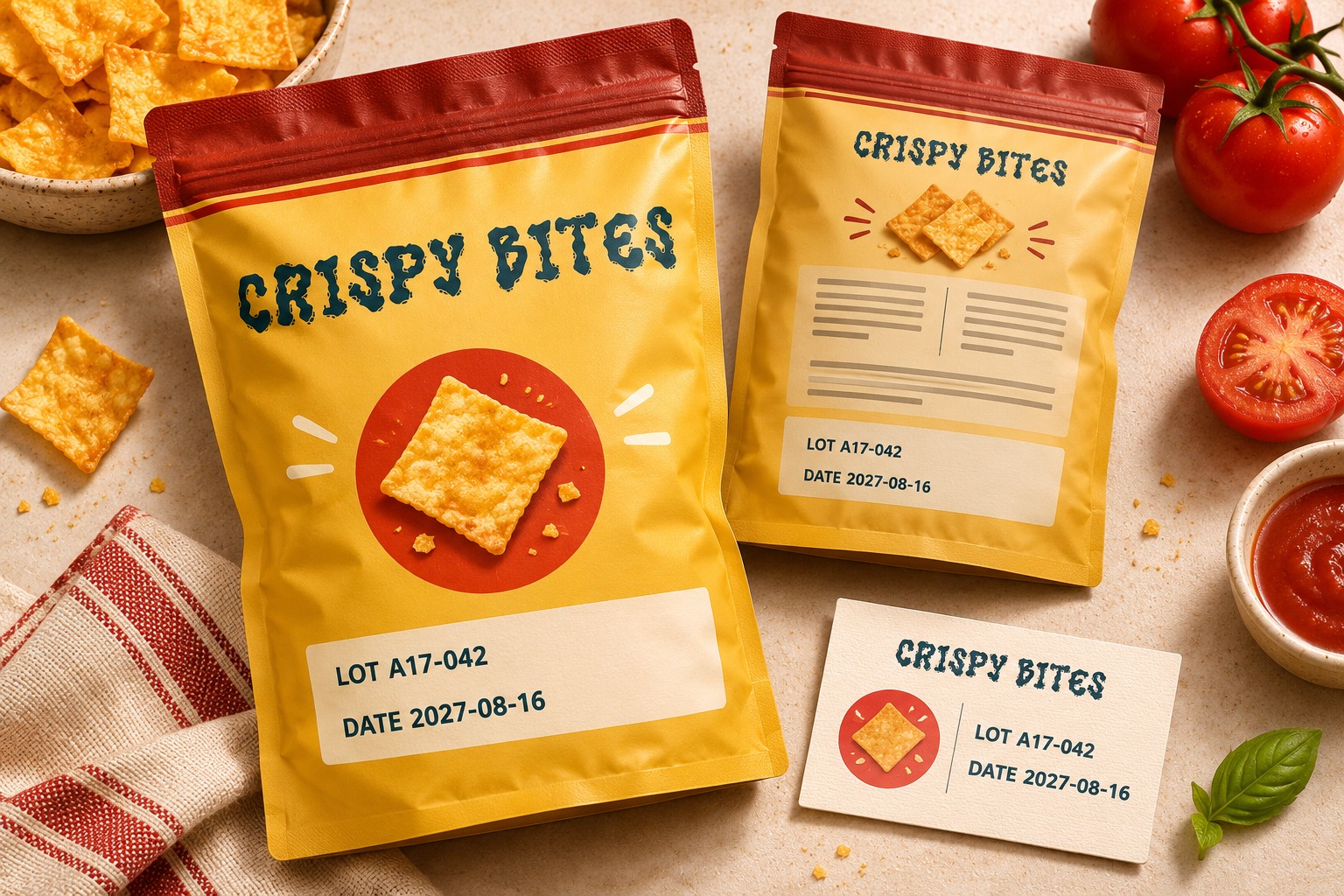
Find out what will be added after the artwork is printed
Ask which information is fixed in the printed design and which will be applied later. A batch identifier, production date, best-before statement, or another variable field may have different requirements. Use the terminology approved by the responsible product team rather than selecting a familiar label because it looks convenient.
Confirm the coding method and the surface it will mark. The relevant questions include the available area, orientation, position, number of lines, and the supplier's tolerances. A desktop design preview cannot establish whether a particular ink, printer, or substrate combination will work.
Keep the answers with the job record. If the coding process changes, the reserved area may need review even when the front design stays the same. Treat that change as a production decision, not merely an opportunity to move a small text box.
Reserve a clear zone before filling the panel
Place the proposed coding area on the actual vendor dieline or usable-area reference. Keep it distinct from decorative graphics and other content. A calm rectangular area can be visually integrated with the design without being hidden inside a busy pattern.
Do not assume that the emptiest-looking part of a mockup is the most practical location. It may be folded, curved, sealed, covered by another part, or difficult to present to the coding equipment. Review the whole package with the people responsible for production.
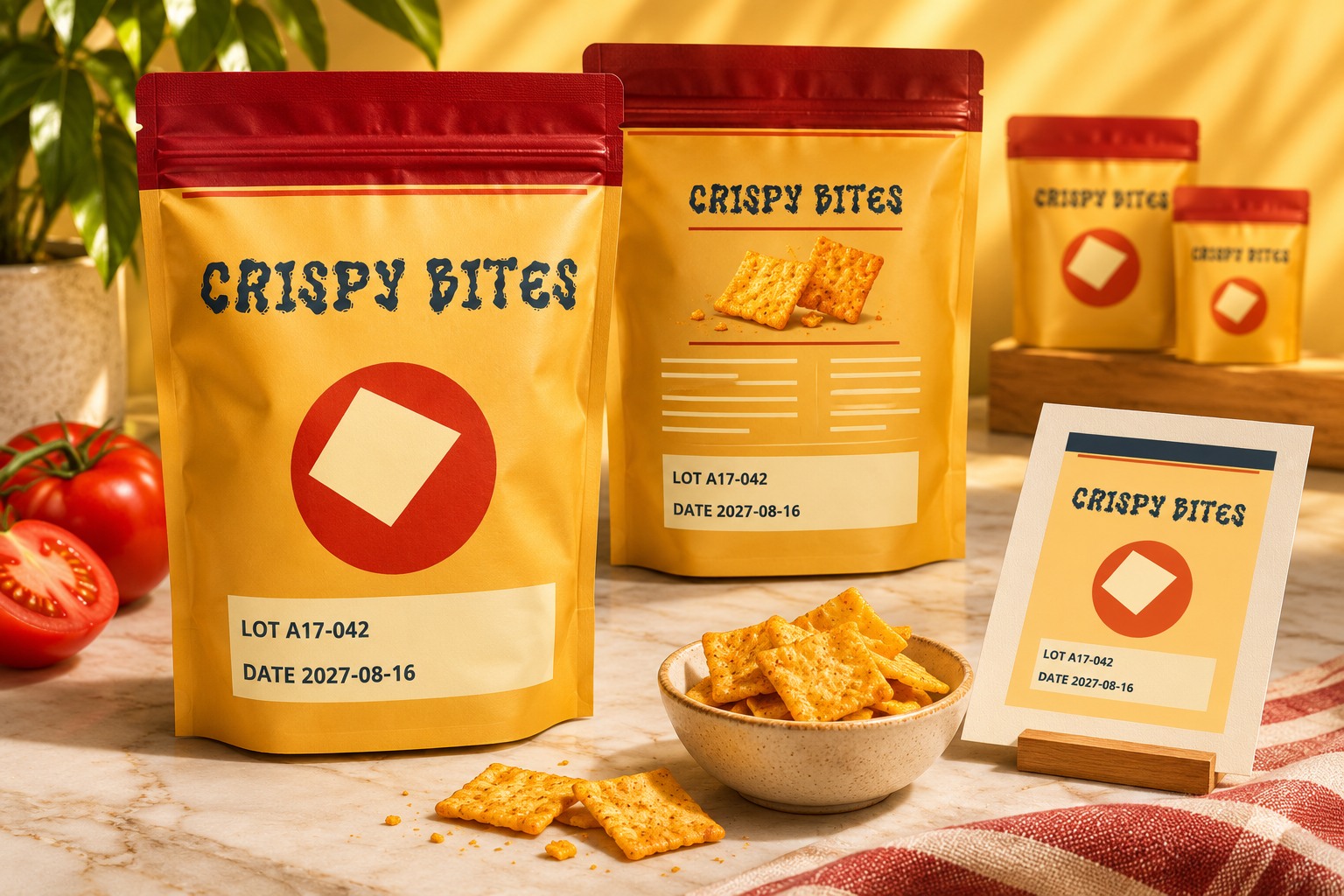
The design examples use a clearly labeled zone to explain the layout. Its dimensions are illustrative. Do not copy them as a standard for another package. The final area should come from the actual content and production requirements.
Test the longest realistic value
Get sample strings from the production team. Include a demanding batch identifier, the full date notation, and any prefix or suffix that belongs to the real field. A zone sized around a short placeholder can fail when the actual identifier grows.
For this fictional study, the test values include LOT A17-042 and DATE 2027-08-16. They show the role of a prefix and a longer value. They do not define what a date means, which terminology a product needs, or which notation is required in a market.
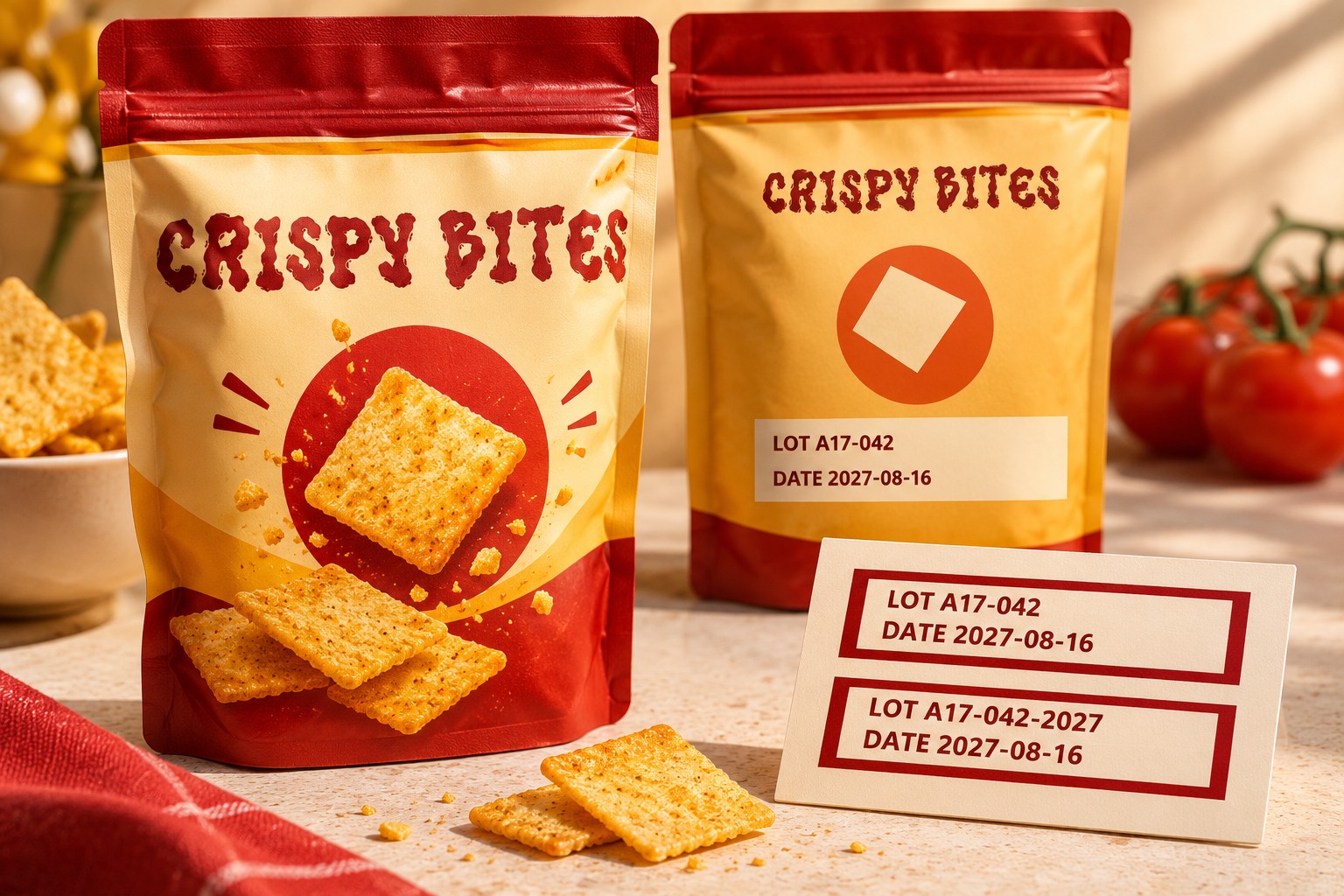
Keep the code font used in a visual placeholder separate from the actual production mark. The final equipment may create a different stroke, spacing, or line height. A decorative brand font is not automatically suitable for variable production information, and a clean on-screen example is not proof that the machine output will match it.
Check the relationship to nearby content
Place the longest example into the complete panel. Inspect its distance from neighboring copy, graphics, borders, and edges. If the code grows or shifts within the expected tolerance, the surrounding design should still make sense.
Avoid placing a decorative line where it can be mistaken for part of the code. Keep the field label, if the project requires one, clearly related to the variable information. The viewer should not have to decide which letters belong to the batch identifier and which belong to the artwork.
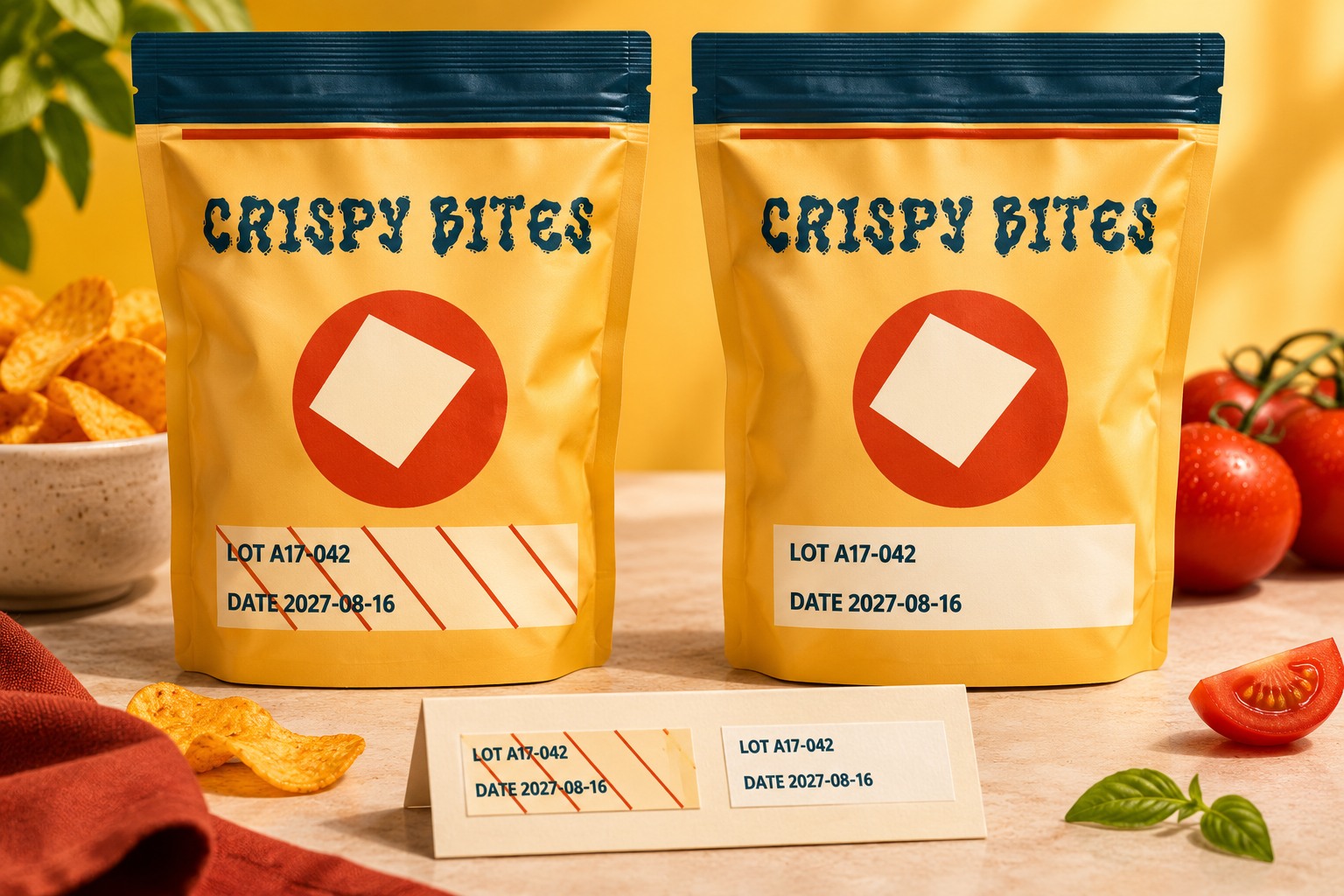
Review the area in a restrained palette as well. If its visibility depends on a subtle color difference, the production team may need a more dependable surface relationship. Follow the actual supplier's guidance for the material and process rather than inferring performance from the illustration.
Inspect folds, curves, and the assembled package
A flat panel can hide constraints that appear after assembly. Check the proposed area around folds, seams, curved surfaces, and the way the package will be handled during marking. Use the supplied structural information and an appropriate sample when the project requires one.
The diagram below marks a few places to ask about. It does not simulate the behavior of a real pouch or predict equipment access. Its purpose is to make those questions visible early enough that the artwork can still change.
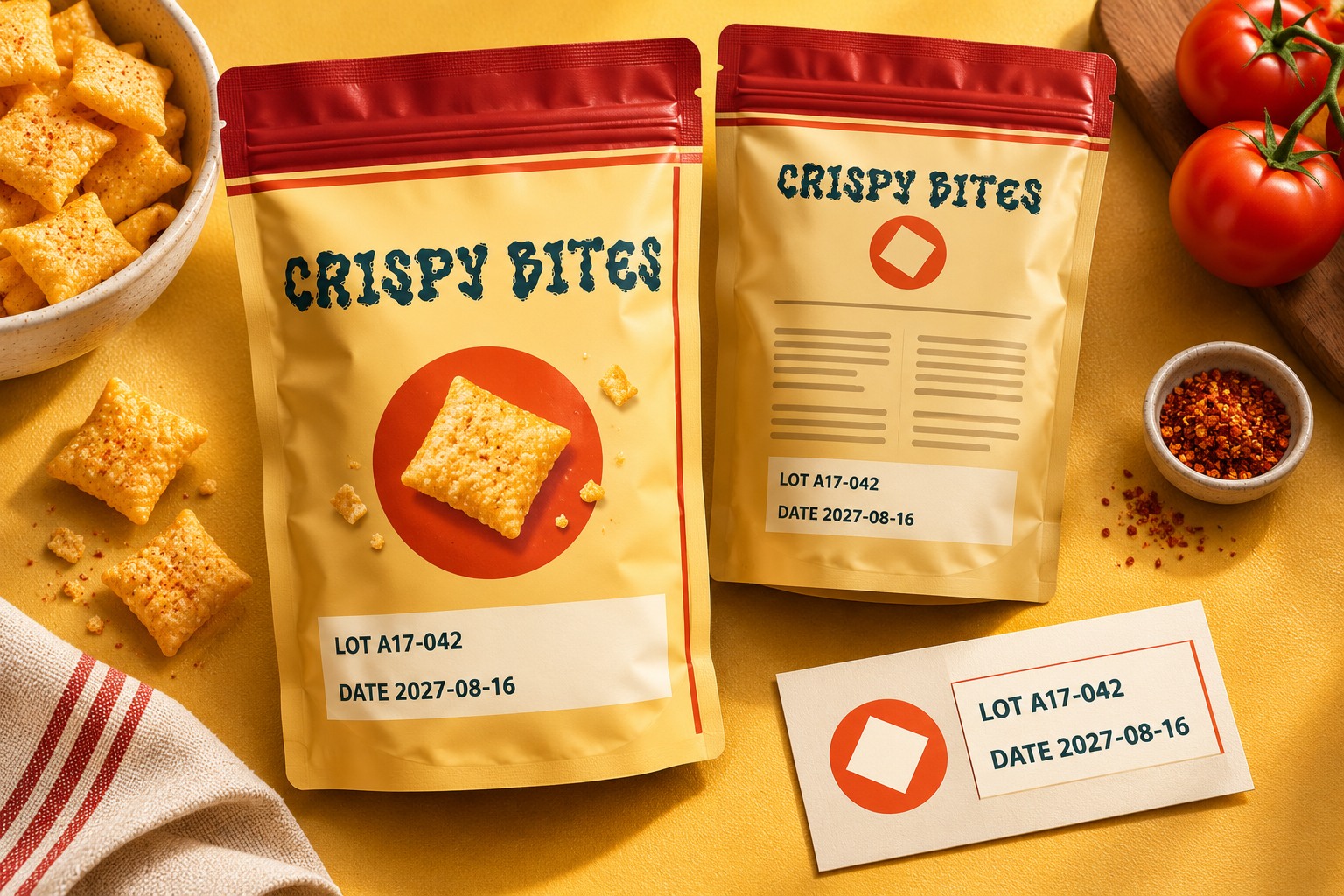
Do not solve an uncertain placement by approving a smaller code in the artwork. The necessary mark size and content should be confirmed through the actual process. The designer can then preserve useful space around it and make the rest of the panel work with that decision.
Keep brand typography and production information distinct
Crispy Snack contributes a friendly display voice to the fictional package name. The variable area has a different task. It needs a dependable place in the system and a relationship to the approved coding process, rather than the expressive treatment used on the front.
This separation also makes later revisions easier. A brand refresh can change colors and decorative shapes while the confirmed coding area remains a known constraint. If the product format or equipment changes, the team can review that area deliberately instead of assuming the previous artwork is automatically suitable.
Hand off the area as a production requirement
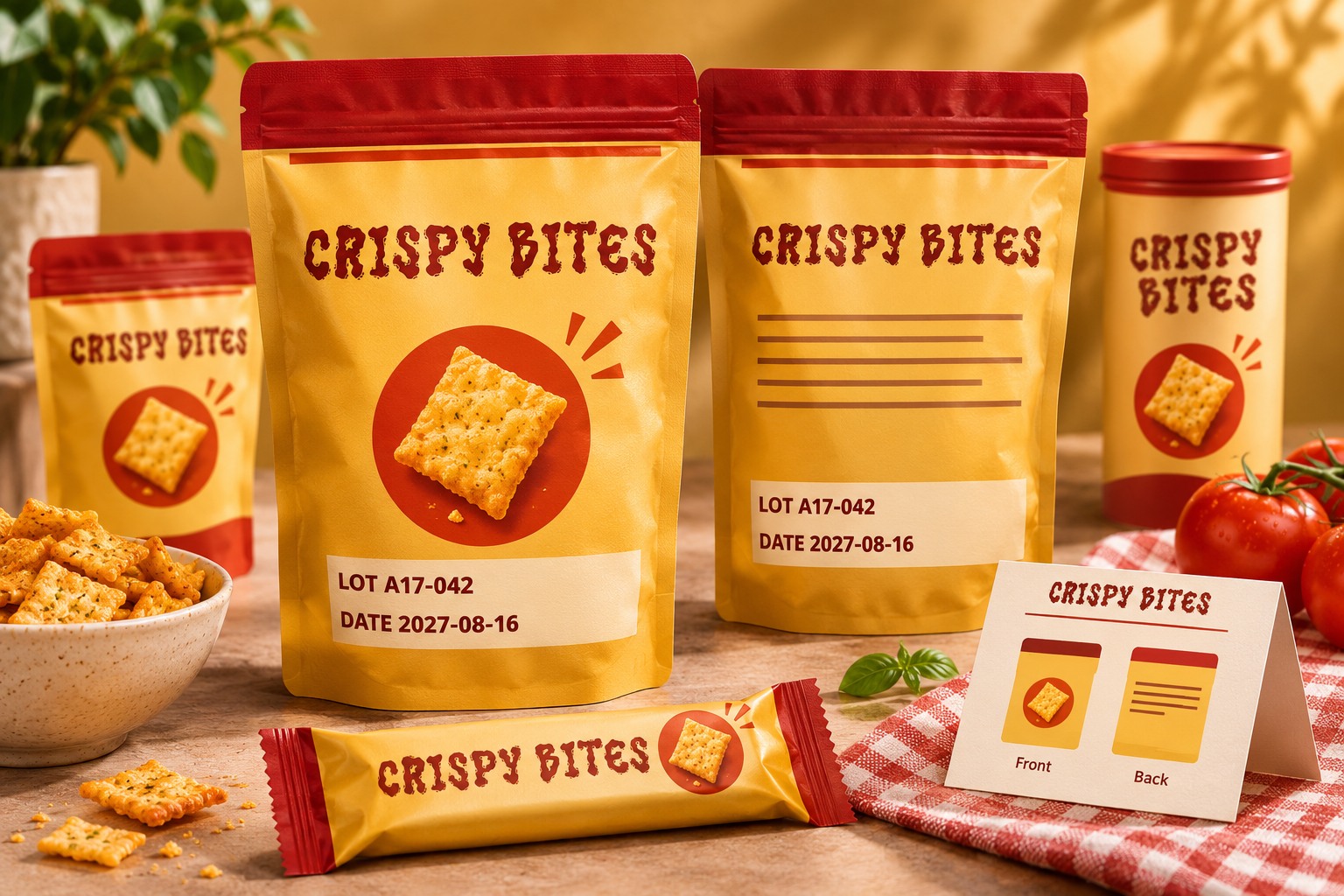
Include the approved location, relevant usable-area reference, variable content examples, and responsible reviewer in the handoff. Distinguish the artwork layer from any placeholder code used for visual review. A realistic placeholder should not accidentally become a permanently printed code in the final file.
Before delivery, check the export with the production team. Confirm which layer or object is meant to print and which is only a guide. Keep a clear version record so a later change to the coding area can be traced to the corresponding artwork.
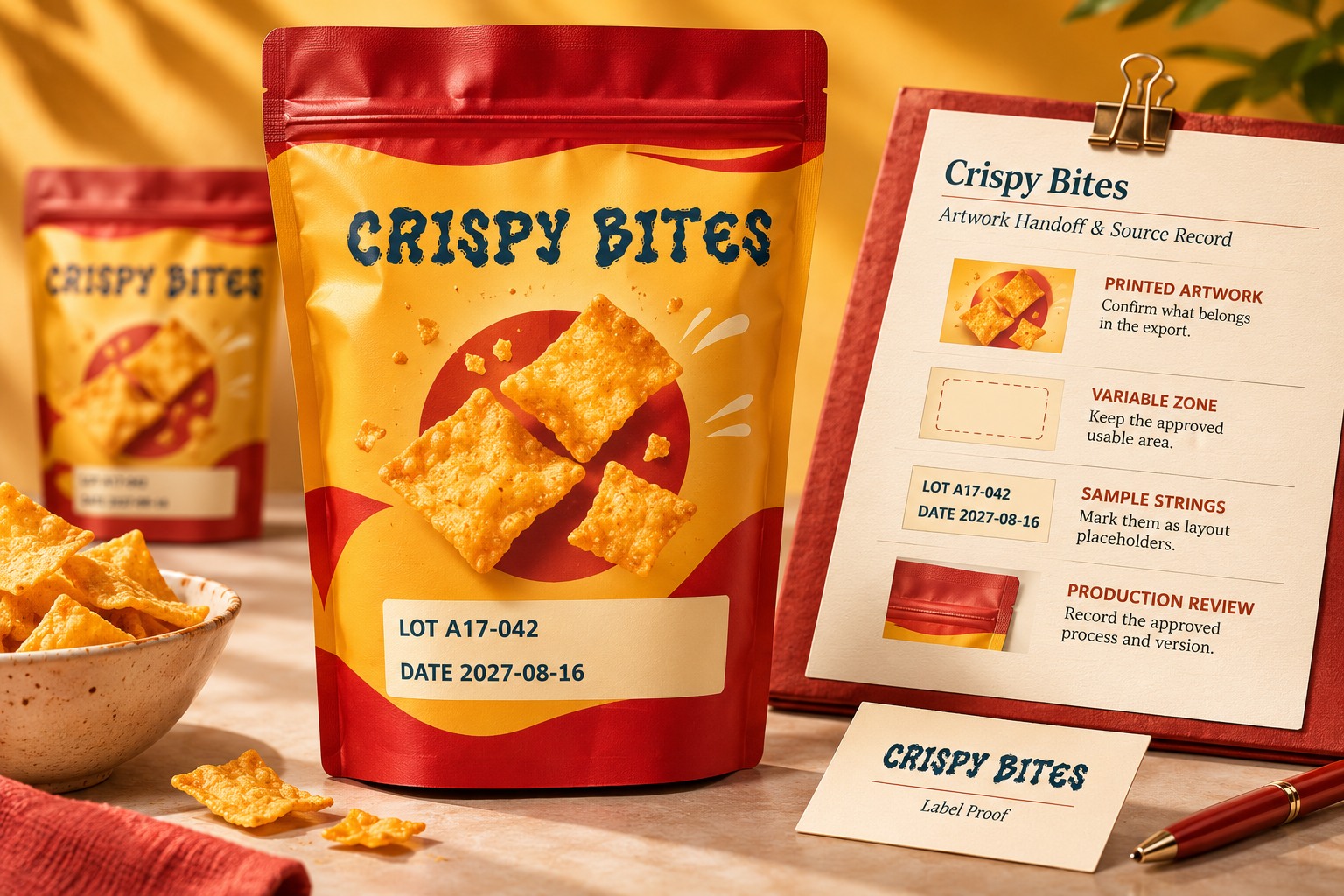
Explore Crispy Snack for a playful brand heading and review the Lettersiro license for the intended uses. The practical aim is a package that leaves the production information enough room to work, with the visual design arranged around a confirmed process rather than a last-minute blank patch.